
Name-Based Case Searches
Begin at Georgia Courts E-Access. Pick McIntosh State or Superior Court, then follow the provider link to re:SearchGA. The portal guide lets you search parties, attorneys, and judges. An asterisk wildcard works in either name field. Not every dropdown choice is visible until you log in. Use only the controls that appear after authentication.
- Choose the court named on the filing, notice, or citation.
- Open Cases in re:SearchGA and enter the surname; add the first name when known.
- Use a wildcard only where the official guide permits it, then narrow by court or available case detail.
- Sort by newest filed, oldest filed, or case number and compare the result with the source document.
- Open the case description for details and verify status, events, and hearings.
| Field | Type | Required | Notes |
|---|---|---|---|
| Party name | Text | No | Wildcard behavior is documented for first and last names |
| Attorney or judge | Text | No | Use to narrow a known public case |
| Court | Selector | Practical | McIntosh State and Superior are separate |
| Case number | Text | No | The strongest unique search value |
McIntosh re:SearchGA Cases and Hearings
The Georgia Courts E-Access directory names the participating access providers along with the McIntosh courts they serve. Open it to see which service covers the court you need.
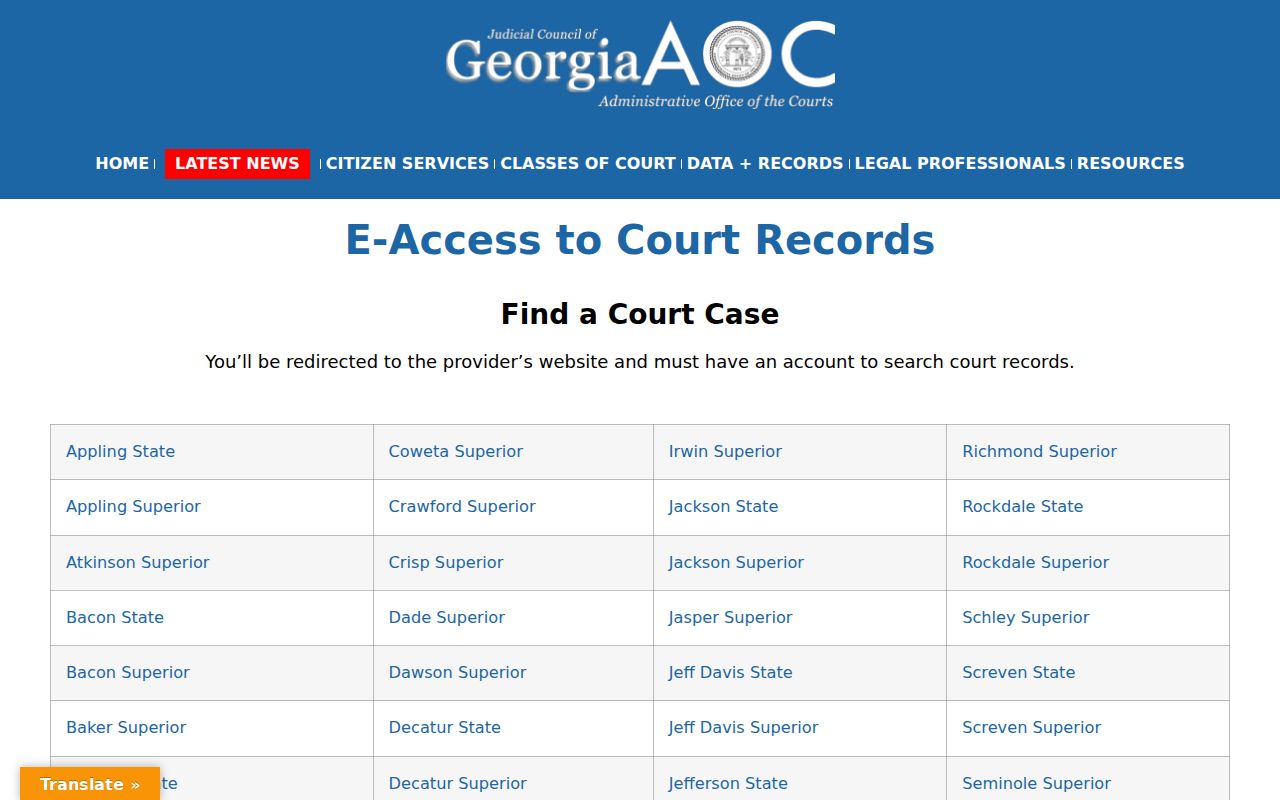
Keep the pieces straight. E-Access is a directory, not one free statewide database. The Tyler public-search layer is re:SearchGA. Its tabs cover Cases and Hearings, with a main search box, Search By controls, Advanced search, sorting, and detail links. You must register an account first. A 403 or login page says something about access, not whether a McIntosh County case exists.
Clicking a case description opens Case Details. A hearing type opens hearing details. Export, print, save, share, alert, and filing actions may appear depending on your role. Each is just a portal control. None of them promises that every document is free or public.
Case Number Searches
An exact number beats a common name every time. eFileGA support gives the pattern: a four-digit year, a dash, CV or CR, then a zero-padded sequence. Its example is 2019-CV-012345. In that support format, CV means civil and CR means criminal. Mind the year and the leading zeros.
Type the string from your notice exactly as printed. If nothing comes back, check the punctuation, the court, and the zeros. Do that before guessing at a new number. PeachCourt search help asks for the county, court, and exact case number. A Peach filing number is a separate identifier entirely. Older records may not match the current display. The provider guide says e-filed data begins with 2018 filings, and older local integrations vary.
McIntosh eFileGA Is for Filing
eFileGA and re:SearchGA do different jobs. The first handles filing, through firm, individual, or self-represented accounts. Georgia's e-file matrix makes eFileGA and PeachCourt mandatory for McIntosh State and Superior filings. GreenFiling/InfoTrack is also available. None of that promises a free public history for every case. For case-format guidance, see the official eFileGA dashboard, which lays out the service directly.
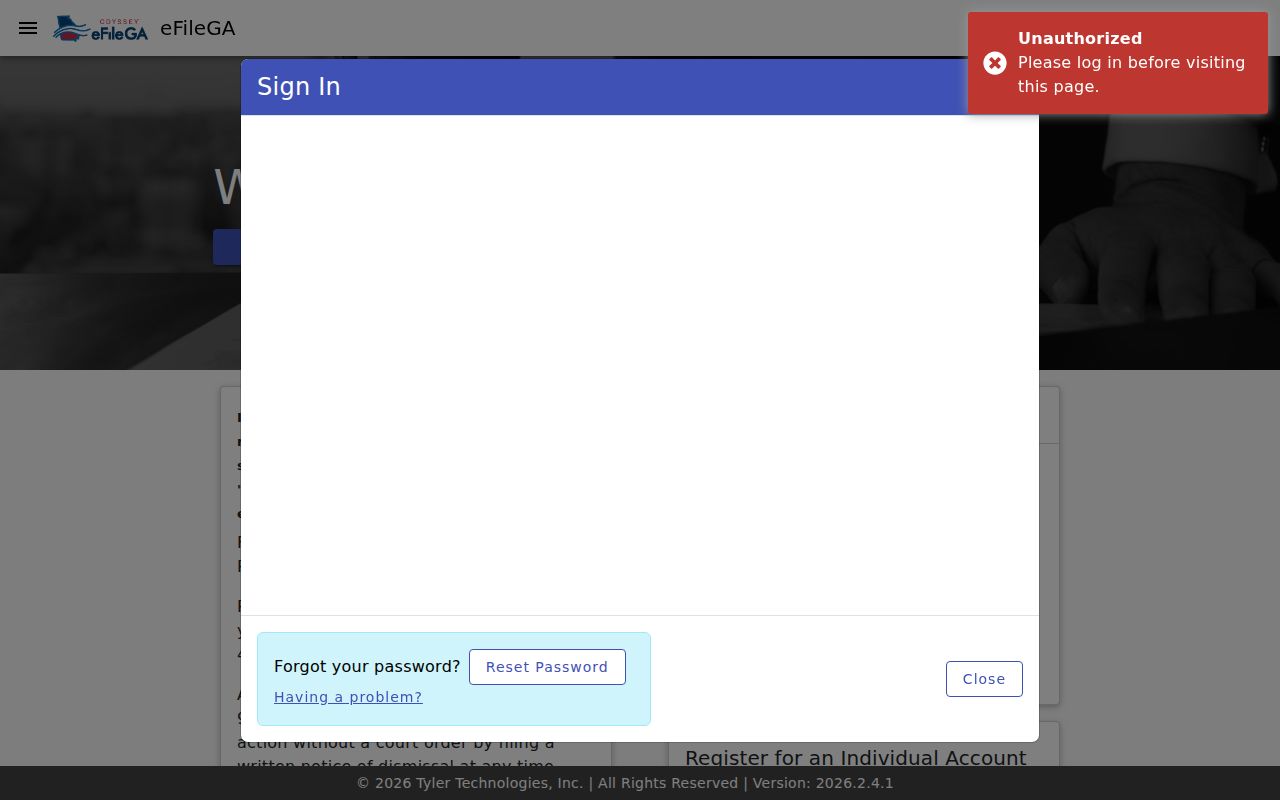
Send authorized submissions through the filing service. Save public docket research for re:SearchGA or the clerk. Mixing up the two is why a valid case sometimes looks missing.
Case Search Results Explained
Read results in layers. Match the court, county, number, case type, and filing date first. Party roles come second, only to confirm you have the right case. Then read events by date and kind. A hearing is not a judgment, a filing is not an order, and a status label never replaces the disposition.
| Case Number | The unique action identifier and court-specific format. |
|---|---|
| Parties | Public names and roles shown to identify the action. |
| Case Type | Civil, criminal, or another provider category. |
| Filed Date | The date the clerk received the initiating record. |
| Status | A summary such as pending, disposed, dismissed, or closed. |
| Events | Filings, service, hearings, orders, pleas, dispositions, and appeals. |
| Documents | Images, paid links, restricted items, or metadata-only entries. |
Uniform Superior Court Rule 39 lists the fields kept in civil and criminal dockets. A portal view may show fewer fields than the clerk's official record. Minutes, final-record references, transcripts, and stored files often need a separate request.
McIntosh PeachCourt Search Boundaries
PeachCourt is an authenticated filing and document service. Its help separates a Cases search, which uses county, court, and an exact case number, from a Filings search built on an exact Peach number. Attorneys and non-attorneys alike can open a free account. Registration does not lift a seal or override a confidentiality rule. The official PeachCourt registration page spells out who the account is for.
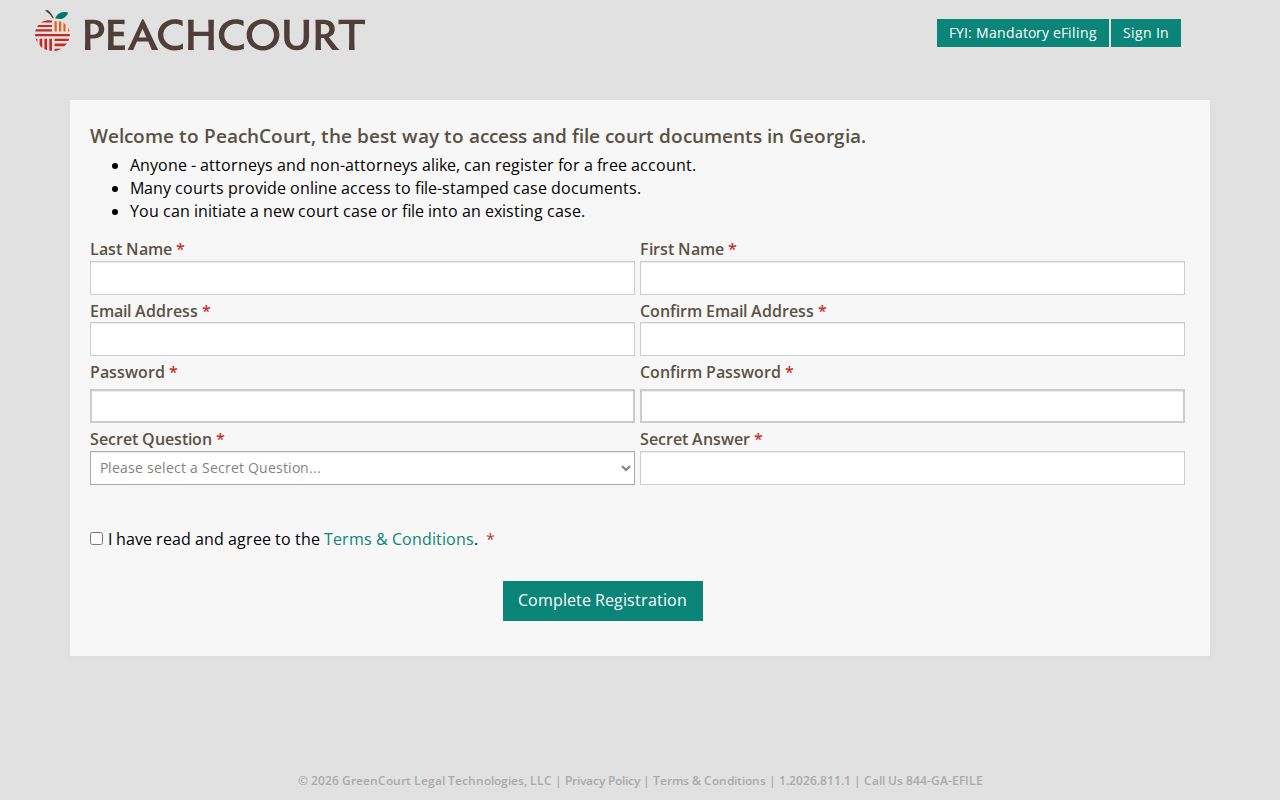
Signing up takes basic account and security fields. Use it when the service actually fits your request. When a record is older, missing, certified, or outside PeachCourt's case coverage, the clerk is still the answer.
Two Ways to Search: County and State
Georgia offers a statewide access directory plus a provider layer. McIntosh County's direct fallback is the clerk. The county publishes no separate open database with broader local coverage. So the real choice is routed electronic access versus the office keeping the original Superior, State, and Juvenile records.
| State provider route | McIntosh clerk route |
|---|---|
| E-Access routes to re:SearchGA and other providers | Clerk confirms the local court and original record |
| Useful for Cases or Hearings searches | Useful for older, absent, or certified material |
| Account, fee, and role limits can apply | Counter, phone, mail, and possible terminal assistance |
You will find the county clerk at 310 North Way, Darien, GA 31305. The phone is 912-437-6641, with weekday hours of 8:00 a.m. to 5:00 p.m. Mail goes to P.O. Box 1661. Fax 912-437-6673 is published as contact information. Whether copy requests are accepted that way is unclear, so ask about that and about any public terminal.
When McIntosh Search Requires Login
A login wall is not proof that no case exists. Portals sometimes ask for an account. The fix is to register with the official provider. Still locked out? Run the docket search again with an exact case number and clear the filters. Double-check the court. Then call the clerk for help.
Tell the clerk what you actually want. Inspecting the docket, pulling one filed document, and getting a certified copy are three different requests. For Probate or Magistrate questions, the dated guideline number is 912-437-4888. Verify it before you drive over. Darien Municipal Court runs its own city traffic and ordinance docket at 912-437-6644. Paying a ticket through the county portal is not the same as viewing case events. And an Open Records Act request reaches county administrative records only. It cannot get around a court seal.
Which Cases Stay Restricted
Georgia court rules presume that the public can see court records. That presumption has limits, though. Uniform Superior Court Rule 21 allows limits. Access may be restricted by law or by court order. Rule 21.6 goes further. It requires protected identifiers to be redacted or pulled out of filings. Juvenile material is confidential by statute. Adoption records, index included, stay sealed unless a judge says otherwise.
So what does a restricted case look like on a docket search? It might be missing entirely. Or it might show only limited metadata, hide a document, return a restricted message, or display a redacted file. re:SearchGA also walls off secured and sensitive content depending on your role. A failed search proves nothing about whether the matter ever existed. Ask the clerk directly whether a public record exists and what lawful process applies. The McIntosh County court records request page can help with that. It shows how to tell the docket index apart from the document itself.
Free McIntosh Index Versus Copy
Know what you are asking for. The public index, a document image, and a certified copy are three separate products. The index tells you the case number and its events. A filed image may need an authenticated account or a purchase. A certified copy carries the clerk's official certification through a clerk or eCertification workflow.
McIntosh State Court appears on the current eCertification participating-county list. McIntosh Superior was not on that same list. Confirm the route with the clerk. The county posts no fee table, payment list, identification rule, or turnaround for court copies. Before you mail anything, confirm the total cost. Ask about accepted payment, delivery method, and the exact document you need. Don't borrow the GSCCCA real-estate image charges for a court record. Keep the clerk receipt or authentication record once you have the copy in hand.
Older files deserve extra care. The provider guide says e-filed data begins with 2018 filings. Local systems may hold earlier material. An empty online result does not set a historical cutoff. Give the clerk the court and the approximate year. Add party names, case type, and the exact number if you know it. Ask whether the file sits on site, is stored elsewhere, or sits under an older index format. For a document, name the filing or event date. Say plainly whether you want a plain or certified copy. That narrow request helps the clerk find the record. It does not ask the office to build a new report. And even with a working portal account, mail and counter access still stand. Call first. McIntosh publishes no copy packet, fee table, or promised turnaround.